


Tracking expenses in construction isn't the same as tracking expenses in a typical office. This guide compares the best construction expense trackers for contractors — covering job costing, receipt scanning, labor tracking, and QuickBooks sync.

QuickBooks Online wasn’t built for construction. It was built for accounting. But with the right setup, QBO Plus or Advanced can handle basic job costing for small contractors — at least until your operation outgrows it.
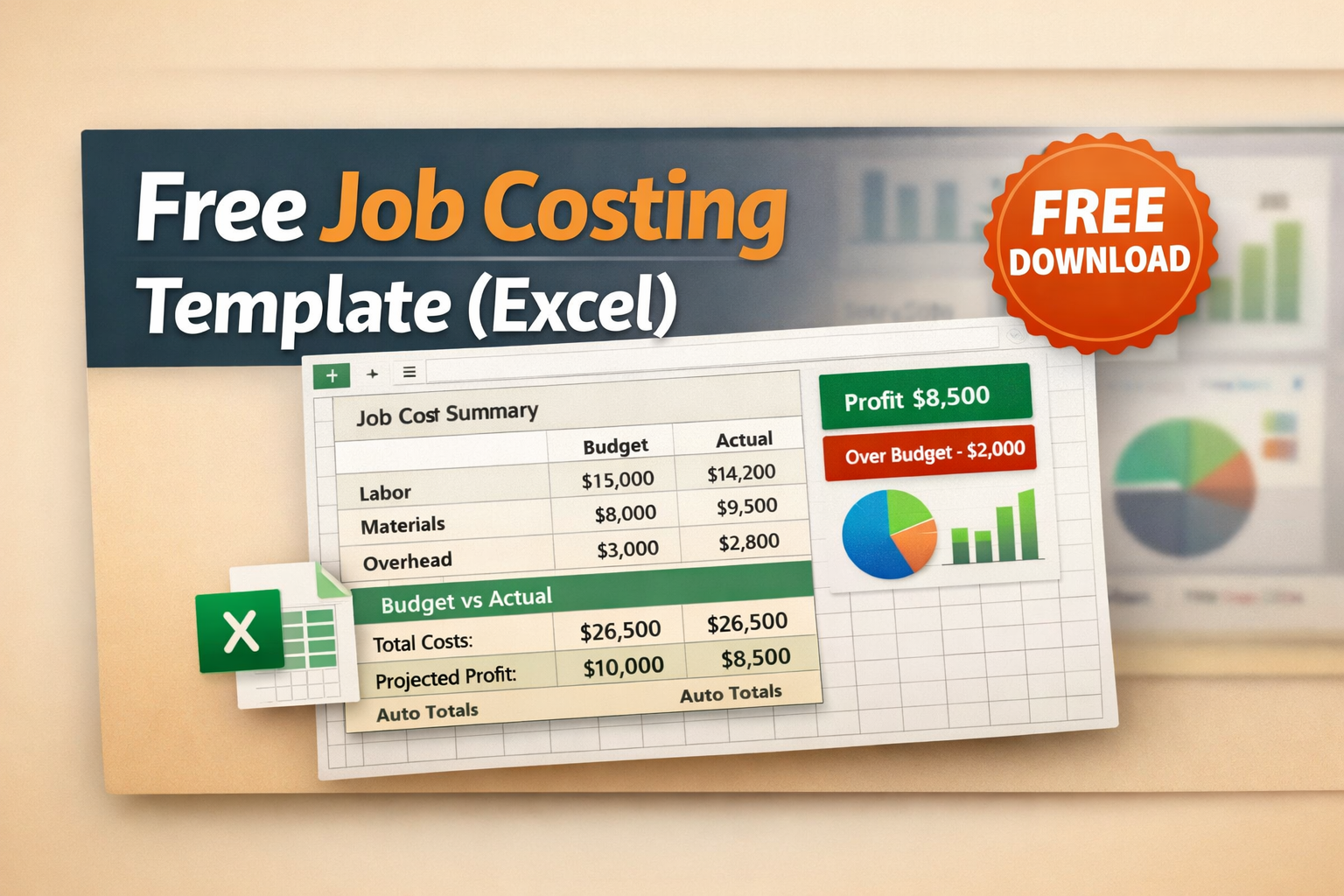
You don’t need software to start tracking job costs. You need a system. This free Excel template gives you the structure to track every dollar on every job — organized by cost code, with automatic budget vs. actual calculations that tell you whether you’re making money or losing it.

Choosing job costing software feels harder than it should. Every vendor says they’re the best for contractors. Every demo looks polished. And by the time you’ve sat through four sales calls, you’re no closer to knowing which tool your team will actually use.

Tracking job costs in spreadsheets works until it doesn’t. Once you’re running more than a couple of active projects, manually entering labor hours, material receipts, and subcontractor invoices becomes a part-time job in itself — and the data is always a week behind. Construction job costing software solves this by centralizing your cost tracking, connecting it to your accounting software, and giving you real-time visibility into how each project is performing against its budget.
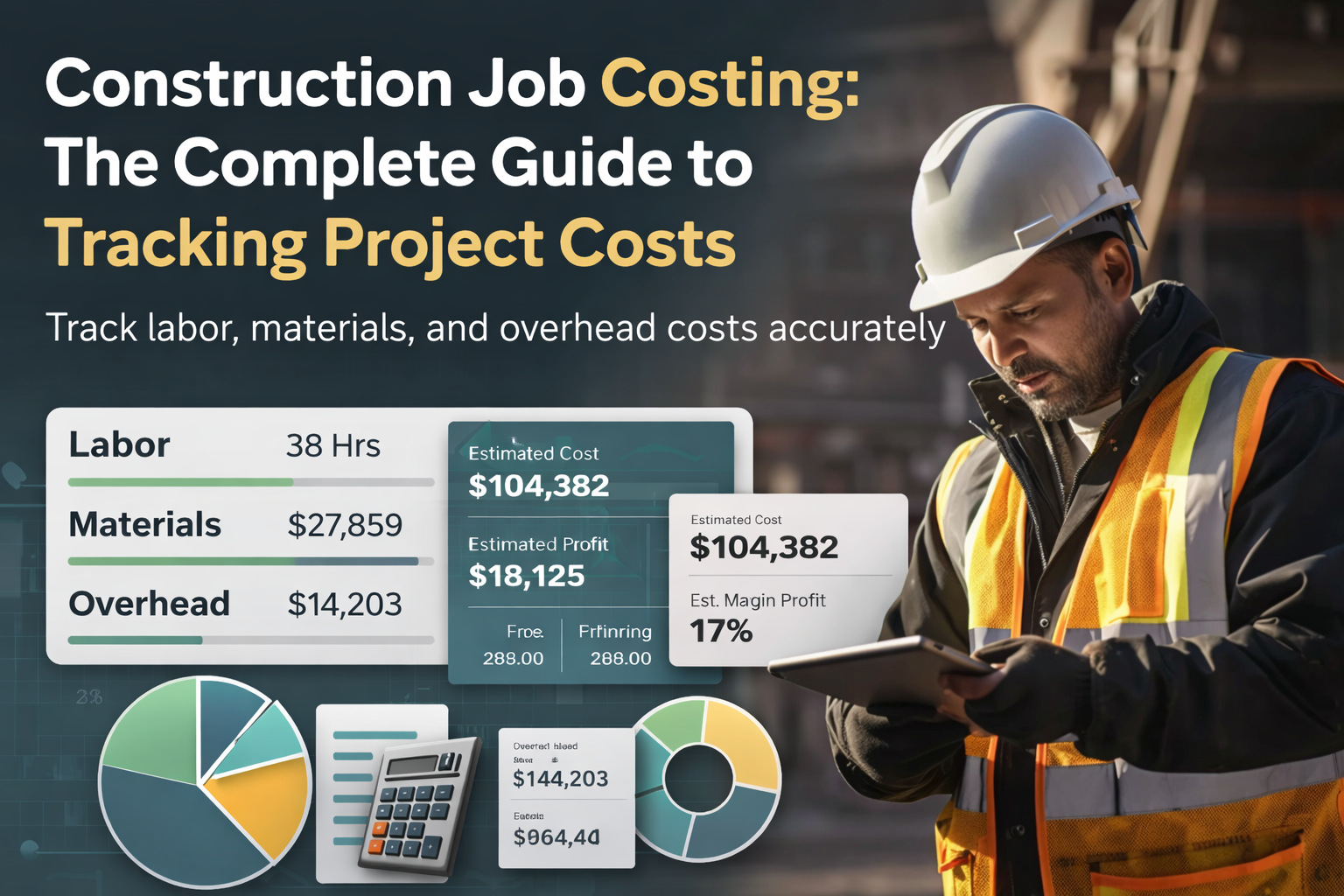
If you run a construction business, you already know the feeling: a job that looked profitable on paper somehow barely breaks even once the dust settles. The bid was solid, the crew worked hard, and yet the margin evaporated somewhere between the estimate and the final invoice.
This guide gives you an honest comparison between Ontraq vs Dext — from the perspective of what small construction teams actually need to run a profitable business without extra admin hours.

Home renovations by Select Remodelers in Woodland, TX

If you're a contractor or construction company owner, you already know the drill—multiple jobs, scattered crews, last-minute change orders… and then comes the paperwork.

In construction, the numbers don’t lie—but they can sneak up on you if you’re not careful. One missed cost, one poorly tracked expense, or one over-optimistic estimate can sink an entire project. The stakes are high.

You can be booked months out, winning bids left and right, and still find yourself sweating payroll or supplier checks. Why? Because construction cash flow problems hit even profitable businesses.

Every day on a jobsite matters—whether you’re framing a new house or finishing a kitchen remodel. But if you're not keeping track of what actually happens out there each day, you're leaving too much too memory (and that can cost you).

Still using paper timesheets or punch cards? Then you know the struggle—lost hours, guesswork on clock-ins, and payroll issues that never seem to end. It’s not just frustrating—it’s costing you money.

Running a construction business is difficult. You're on job sites, handling clients, managing crews—so it’s no surprise the money side often takes a back seat. But ignoring the numbers can cost you—big time.

Still using paper timesheets or relying on memory? That’s when things slip. Hours get missed. Job costs go sideways. Payroll turns into a guessing game. That’s why choosing the right time tracking app for contractors is extremely important.

Accurate time tracking is critical for managing construction projects. When contractors precisely track worker hours, it becomes easier to stay on schedule, control budgets, and ensure overall project profitability.
.webp)
This guide will cover seven essential tips to help refine your job costing approach for 2025. You’ll learn how to use real-time tracking tools, leverage past project data, and communicate more effectively with your team.
.webp)
Explore how adopting the best practices in construction job costing can significantly enhance your profitability, reduce risk and contribute to your long-term success.

Explore the importance of receipt scanning software, discuss its benefits, take you through the 7 best receipt scanning apps (with OnTraq leading the way), and provide a guide on choosing which is the best one for your business.

A healthy cash reserve is critical to keep your crew, suppliers, and subcontractors paid on time. Doing so not only safeguards your day-to-day operations but also preserves your standing with clients and partners.

Explore the top five bookkeeping software solutions tailored for small construction businesses to help you stay profitable and organized.

Keeping track of costs is essential to maintaining profitability and ensuring that your jobs run smoothly. Many construction business owners face similar challenges that can impact their financial health, lead to profit losses, and cause unnecessary stress.

If you are in construction, you know how tricky managing money can get. You’re juggling several jobs at once, paying crews, ordering materials—each one needing cash at different times.

For residential contractors like yourself, every minute counts. You juggle project timelines, manage crews, and ensure top-notch quality for your clients. But with so much going on, accurately tracking work hours can easily fall by the wayside.

Ever feel like receipts are multiplying like gremlins in your toolbox? You're not alone. Keeping track of receipts is a major pain point for small contractors like you. Those tiny slips of paper hold the key to claiming your business expenses, but let's face it, they're notorious for disappearing.

It’s hard to run a construction business. As the owner, you could be juggling many hats - From estimating, hiring, billing, chasing receipts—and at the end of the day, you're still unsure if you made money on that last job.

Running a construction business means wearing a lot of hats. One minute you're estimating a new job, the next you're trying to track every dollar spent on a project. It’s easy to lose track of where your money’s going without clear job costing and that can mean the difference between making a profit or taking a loss.

Construction bookkeeping is far more complex than it appears. Here are five reasons why it's a challenging task..

OnTraq is an automation tool for construction bookkeeping. It saves 75% time per week spent on bookkeeping..

A construction bookkeeper who works for a design build firm in SFO started using BuildX. BuildX is an automation tool for construction finance. It integrates with QuickBooks..


 Receipts ManagementAccounts PayableGPS TimsheetsActual vs. BudgetsReal time ProfitabilityQuickBooks IntegrationTrack job profits in real timeStop chasing paperworkKnow where your crews areKeep QuickBooks current automaticallyAutomate document collectionReal Time Job costingClose books fasterAI BookkeepingJob Costing
